Work it both ways.
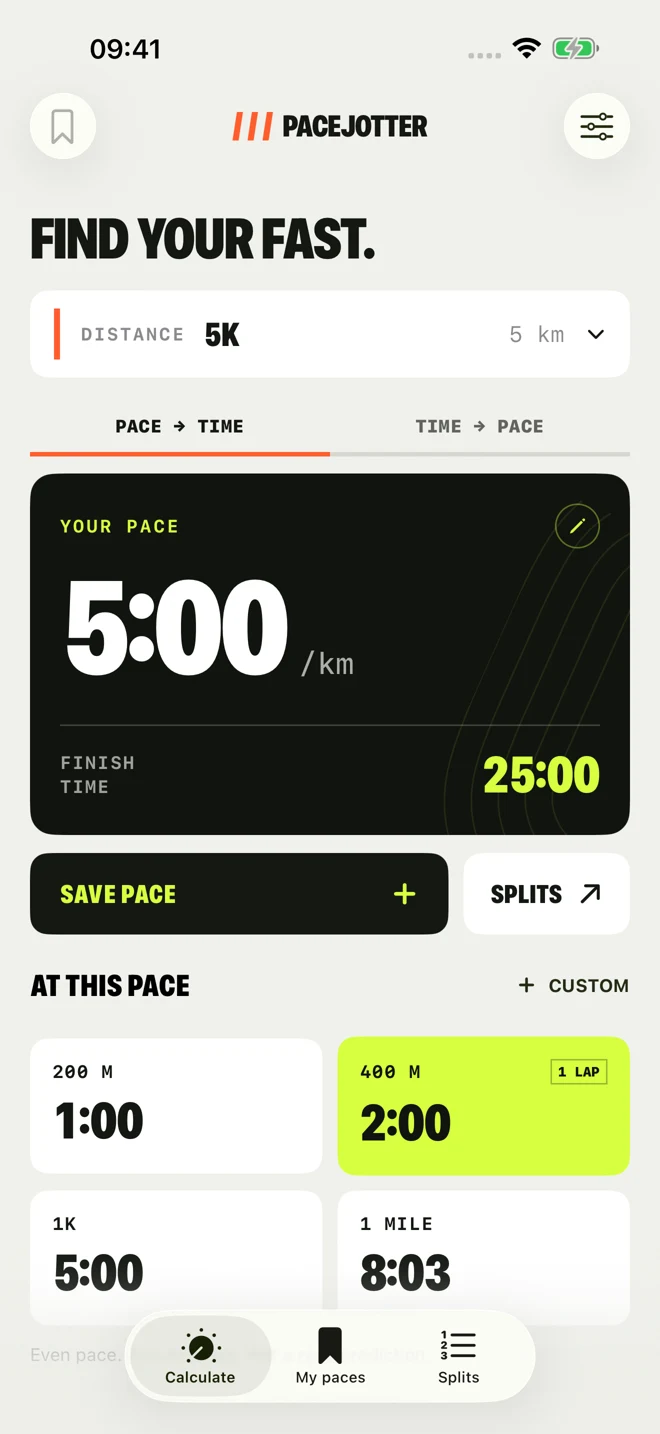
Enter a pace to find your finish time. Enter a target time to find your pace. Switch between kilometres and miles instantly.
5K+5:00/km=25:00
 PACEJOTTER
Coming soon · Free for iPhone & iPad
Big goals. Clear numbers. Calculate your pace, keep your benchmarks, and turn your next race into a plan.
Meet your running toolkitNo account. No ads. Ready wherever you run.
Less mental maths. More running.
From a quick lap check to your next finish-line goal, the numbers you need are always a tap away.
Enter a pace to find your finish time. Enter a target time to find your pace. Switch between kilometres and miles instantly.
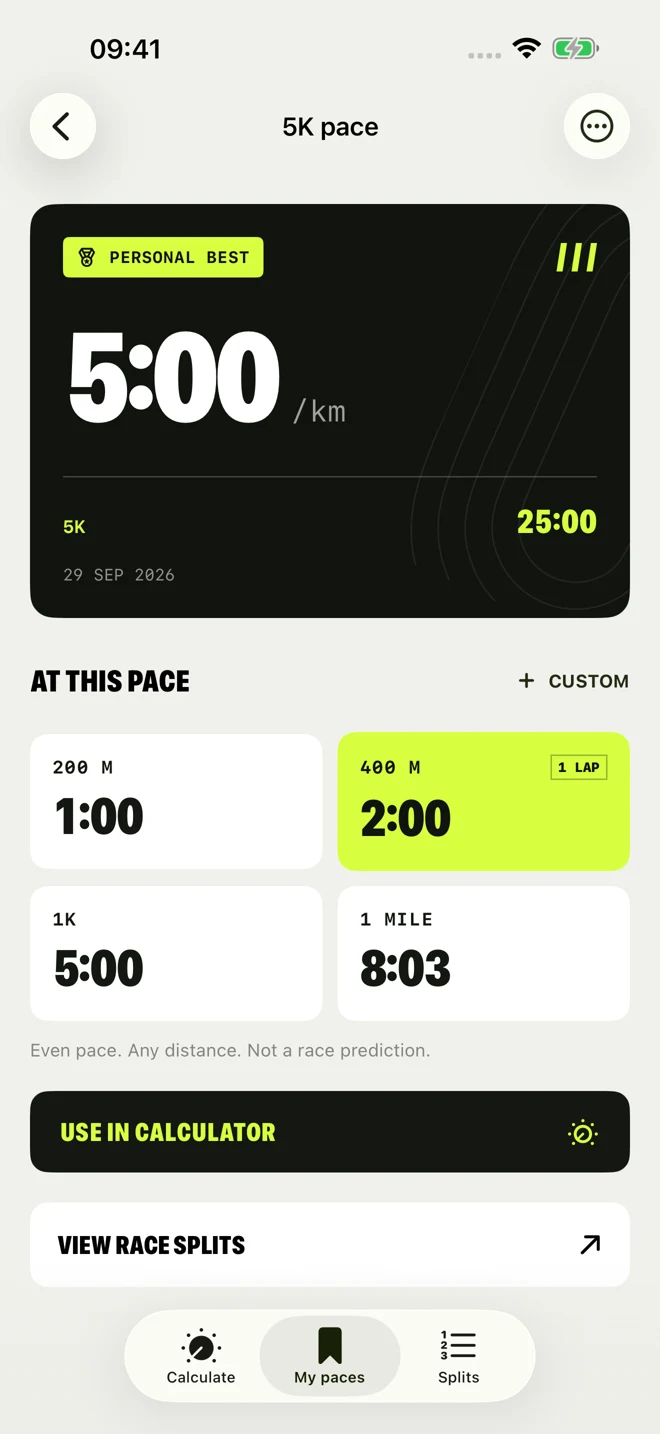
Your 5K PB. Your easy-run pace. Your next race goal. Save them with names, dates, and notes, then use them again.
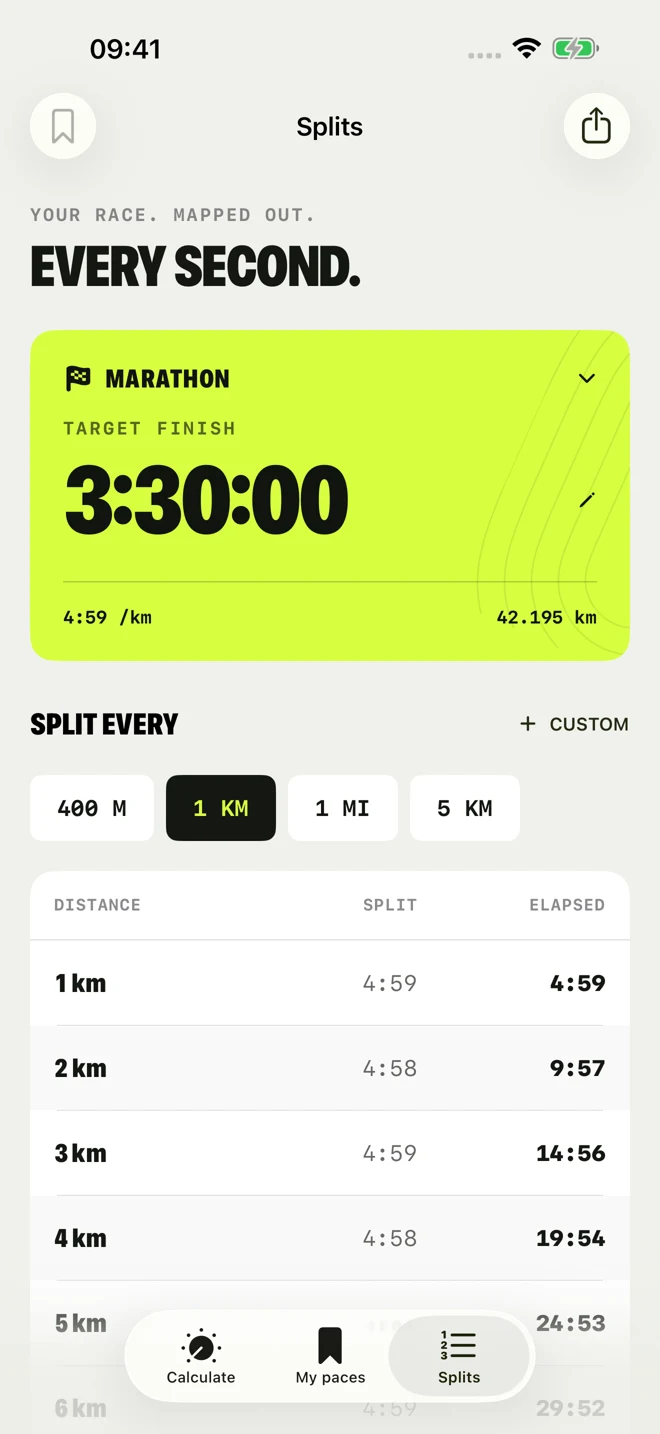
See each split alongside your cumulative time. Choose kilometres, miles, track laps, or a custom interval. Share your plan before the start.
Your pace, in perspective.
What does your 5K pace look like over 400 metres? Open a saved benchmark and see it straight away. Same pace. A whole new way to use it.
Built for your next run
Free to use.No subscriptions or in-app purchases.
Works offline.No account or internet connection needed.
Your paces stay yours.Saved on your device. No app tracking or analytics.
Made for iPhone & iPad.Clear, bold numbers. Light and dark appearances. iOS 17 or later.
A little help along the way
Have a question, an idea, or a split that needs a second look? Get in touch through Frontier Two.
Contact supportOpen Settings in Calculate, then choose Miles or Kilometres. Your saved times and distances stay the same; the pace display converts automatically.
PaceJotter calculates with the unrounded pace, then rounds cumulative checkpoints. Each split is the difference between those checkpoints, so your displayed splits add up to your displayed finish time.
Yes. Choose a preset or enter a custom distance in metres, kilometres, or miles, from 1 metre to 1,000 kilometres.
PaceJotter calculates constant-pace times and splits. It doesn’t predict equivalent performances at other distances or adjust for hills, stops, or changing effort.
Open My paces to find, edit, or reuse your benchmarks. They’re stored locally on your device. There is no app-operated cloud sync. Apple-managed device backups may include them, depending on your settings.
PACEJOTTER
Coming soon to the App Store. Free for iPhone and iPad.